Mods AddOns for Minecraft PE
2.3.2
Enhance your Minecraft PE experience with Mods AddOns for Minecraft PE, offering easy installation of custom mobs, skins, and maps. Customize your world today!

Report this app
Description
Mods AddOns for Minecraft PE: A Comprehensive Overview
For Minecraft Pocket Edition (PE) players, Mods AddOns for Minecraft PE is a must-have tool designed to enhance the gaming experience on Android. This app simplifies the process of installing mods, add-ons, maps, and skins, allowing users to access a wide variety of custom content without the hassle of manual searches or file handling. With Mods AddOns for Minecraft PE, you can easily explore new features and expand your Minecraft world with ease.
Whether you’re a casual player looking to try out new add-ons or a seasoned builder seeking to create custom mobs and environments, this app provides everything you need to take your gameplay to the next level. Let’s explore the features and benefits of this powerful tool and discover how it can transform your Minecraft PE experience.
Exclusive Features of Mods AddOns for Minecraft PE
Mods AddOns for Minecraft PE offers a range of exclusive features that make it one of the top choices for Minecraft players looking to customize their game. Here’s a closer look at some of the standout features:
Easy Installation of Mods and Add-ons
One of the main attractions of Mods AddOns for Minecraft PE is its user-friendly installation process. The app provides a seamless way to install a wide variety of mods and add-ons with just a few taps. Gone are the days of manually searching for and downloading files from multiple websites. With this app, you can quickly access and apply new content directly within the app, saving you time and effort.
Custom Mob Editor
One of the most exciting features of the app is its Custom Mob Editor. This tool allows you to create and modify mobs, making it possible to design creatures that fit your personal preferences. Whether you want to add dinosaurs, mythical creatures, or vehicles to your world, this feature gives you the flexibility to create and customize the behaviors and appearances of mobs.
Access to Pre-made Content
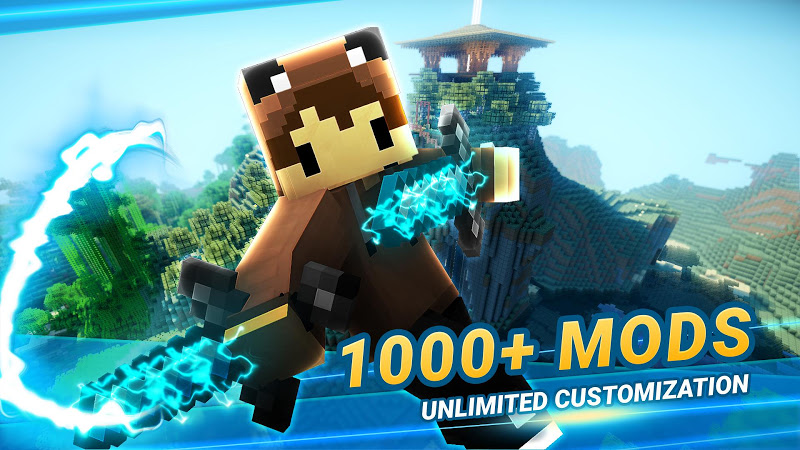
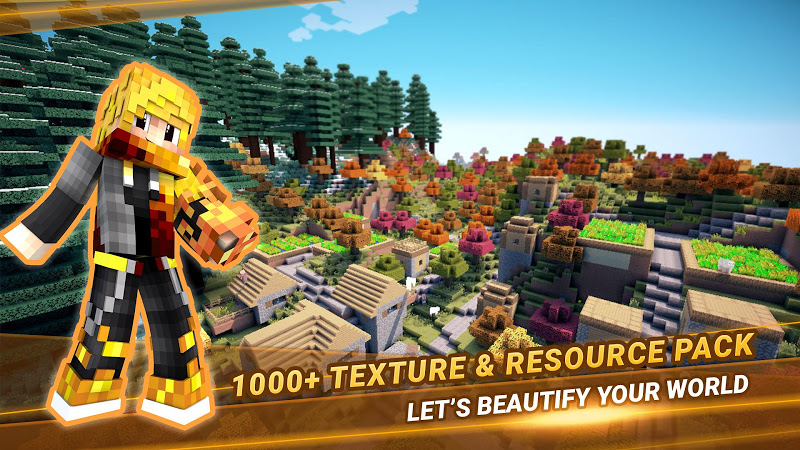
For players who prefer ready-made content, Mods AddOns for Minecraft PE includes a vast library of pre-designed mods, skins, maps, and textures. These are available for immediate download and can be easily integrated into your game. The app provides a variety of categories, including mobs, environment tweaks, skins, and more, ensuring that you can find exactly what you’re looking for.
Map and Skin Installation
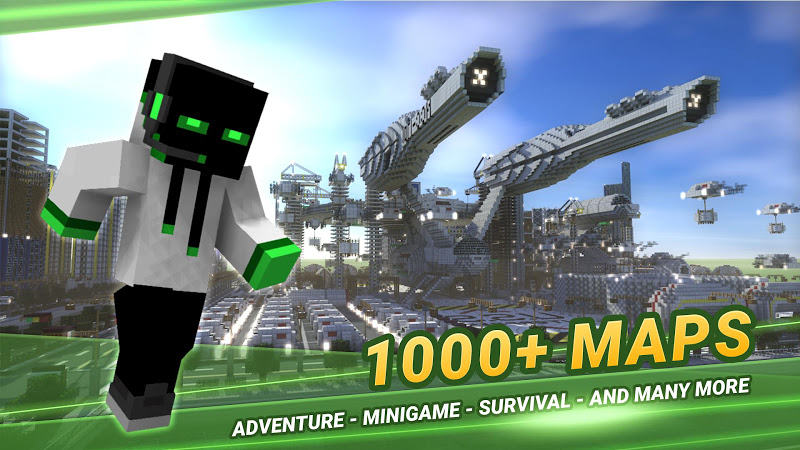
The app also allows users to download and install new maps and skins. Whether you want to explore new worlds or give your Minecraft character a fresh look, you’ll find plenty of options within the app. With just a few taps, you can import and apply custom skins, or dive into new maps and challenges created by other players.
Compatibility with All Minecraft PE Versions
Another key feature is the app’s compatibility with all versions of Minecraft PE. Regardless of whether you’re using an older version or the latest update, Mods AddOns for Minecraft PE works seamlessly with your game. This broad compatibility ensures that the app will continue to be useful as Minecraft PE evolves over time.
Tips and Strategies for Beginners in Mods AddOns for Minecraft PE
If you’re new to Minecraft customization, Mods AddOns for Minecraft PE can be a game-changer. To help you get started, here are a few tips and strategies for beginners:
-
Start with Simple Mods and Add-ons
As a beginner, it’s a good idea to start with simpler mods and add-ons, such as custom skins or basic texture packs. These are easy to install and offer an immediate visual change to your Minecraft world. Once you get the hang of things, you can experiment with more advanced features like custom mobs and new maps.
-
Explore Different Categories
The app organizes its content into various categories, including mobs, skins, and maps. Take the time to explore these different sections to get a sense of what’s available. This will help you discover new content and make it easier to find exactly what you want.
-
Test Your Add-ons Regularly
After downloading and installing your add-ons, it’s important to test them in the game. This will allow you to make sure everything is working as expected and that your new content doesn’t interfere with other elements of the game.
-
Customize Mobs to Your Liking
If you want to create a unique Minecraft world, consider using the Custom Mob Editor to design your own mobs. Start with simple creatures and gradually experiment with more complex designs as you become more comfortable with the editor.
-
Stay Updated with New Content
Mods AddOns for Minecraft PE is regularly updated with new mods, add-ons, and features. Make sure to check back frequently for new content and updates to keep your game fresh and exciting. Staying updated will help you discover the latest additions and ensure that your Minecraft world remains dynamic.
Final Thoughts and Review
Mods AddOns for Minecraft PE is a fantastic tool for anyone looking to enhance and personalize their Minecraft Pocket Edition experience. Its wide range of features, including easy installation, a custom mob editor, and access to pre-made content, makes it a top choice for Minecraft players. Whether you’re a beginner or a seasoned Minecraft builder, the app provides everything you need to create a unique and engaging gaming experience.
The app’s simple interface and seamless compatibility with Minecraft PE make it a valuable resource for players of all skill levels. If you enjoy customizing your Minecraft world, Mods AddOns for Minecraft PE is definitely an app you’ll want to have in your collection.
FAQs
-
What types of mods and add-ons are available in the app?
The app offers a variety of mods and add-ons, including custom mobs, skins, maps, textures, and environmental changes. You can explore different categories to find the content that suits your needs.
-
Do I need coding skills to use the Custom Mob Editor?
No, the Custom Mob Editor is designed to be easy to use, even for beginners. You can design and modify mobs without any coding experience, making it accessible for all players.
-
Can I use the app on all versions of Minecraft PE?
Yes, Mods AddOns for Minecraft PE is compatible with all versions of Minecraft Pocket Edition, so you can use the app regardless of which version of the game you’re playing.
-
Are the mods and add-ons free to use?
Yes, the app offers a variety of free mods and add-ons, allowing you to enhance your Minecraft experience without any additional costs.
-
How do I install the mods and add-ons?
Installing mods and add-ons is simple. Just browse the app, select the content you want to add to your game, and follow the instructions for installation. The process is quick and easy, with no complicated setup required.
Conclusion
If you’re looking to take your Minecraft Pocket Edition experience to the next level, Mods AddOns for Minecraft PE is the perfect app for you. With its easy installation process, custom mob editor, and access to a wide range of mods, skins, and maps, the app provides everything you need to personalize your Minecraft world. Whether you’re a beginner or a seasoned player, this app offers a simple and effective way to enhance your gaming experience.
Download Mods AddOns for Minecraft PE today and start creating your own custom Minecraft world!
Images