Minecraft Education Preview
1.21.131.1
Explore Minecraft Education Preview, a platform designed for schools and educators. Engage students with interactive learning in a creative Minecraft world. Start today!

Report this app
Description
Minecraft Education Preview: A Comprehensive Overview
Minecraft Education Preview is a specialized version of the popular Minecraft game, designed specifically for educational purposes. This platform offers a creative and interactive environment that is ideal for students and teachers alike. With Minecraft Education Preview, educators can explore a wide range of educational tools while students engage in problem-solving, critical thinking, and collaborative learning, all within the fun and immersive world of Minecraft.
Whether you’re a teacher looking to introduce Minecraft into the classroom or a student eager to explore new learning opportunities, Minecraft Education Preview provides a unique, hands-on approach to education. It encourages creativity and learning through exploration, offering an innovative way to engage with various subjects like mathematics, history, science, and more.
In this article, we’ll explore the key features of Minecraft Education Preview, provide tips for beginners, and offer a detailed review of the platform’s educational potential.
Exclusive Features of Minecraft Education Preview
Minecraft Education Preview comes with several features specifically designed to make learning more engaging and interactive. Here’s a closer look at the exclusive features that set this version of Minecraft apart:
1. Educational Content and Tools
Minecraft Education Preview is built with an array of educational content tailored to different subjects. Teachers can access lesson plans, activities, and pre-designed worlds that make it easier to integrate Minecraft into various lessons. Whether you’re teaching mathematics, geography, or language arts, the game offers a variety of ways to explore subjects through hands-on, visual learning experiences.
2. Classroom-Friendly Features
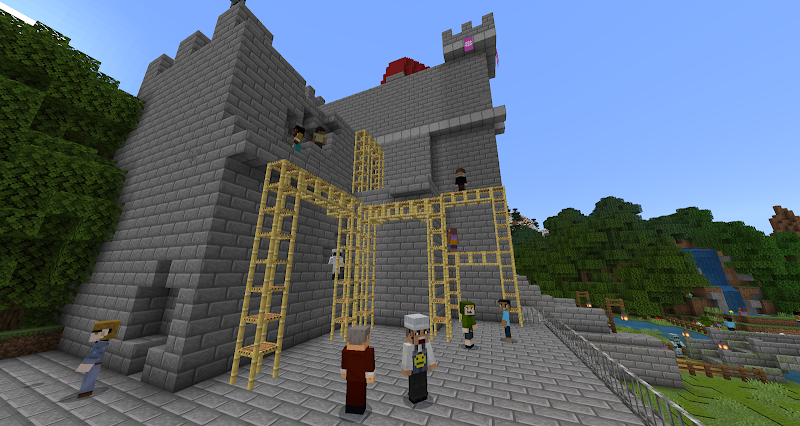
One of the unique aspects of Minecraft Education Preview is its suite of classroom-specific features. Teachers have the ability to control the environment, assign specific tasks, and even monitor student progress. The platform supports collaboration, allowing students to work together in the same Minecraft world to solve problems and build projects as a team.
3. Code Builder and Programming Integration
The Code Builder in Minecraft Education Preview is a powerful tool that integrates coding into the learning process. With this feature, students can use block-based or text-based programming languages to modify the game world, teaching them fundamental programming skills. This feature introduces students to the concepts of coding while providing an interactive and fun learning experience.
4. Immersive Learning Worlds
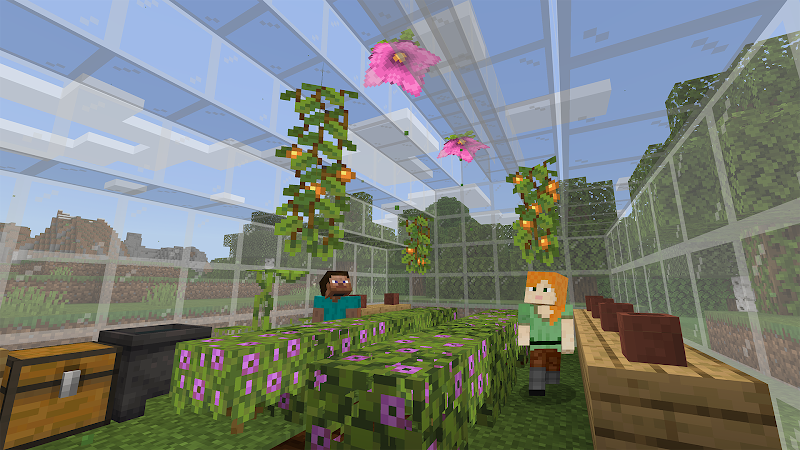
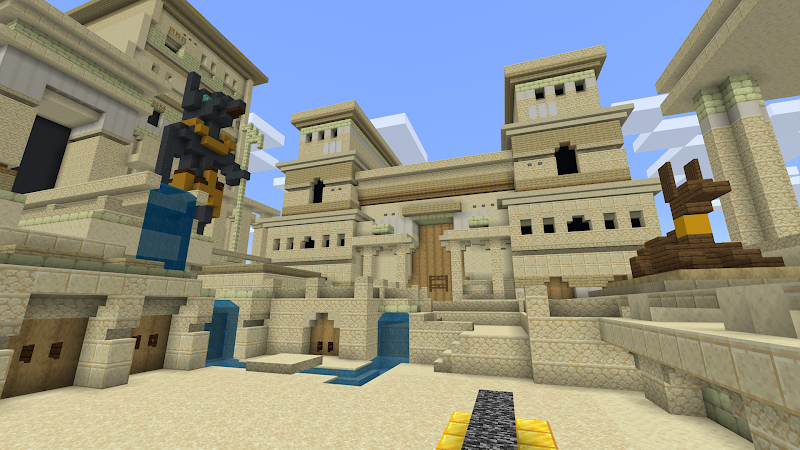
Minecraft Education Preview offers pre-built immersive worlds that allow students to explore historical sites, conduct virtual science experiments, or build architectural marvels. These worlds provide a practical, visual experience of topics that might otherwise seem abstract. For instance, students can explore ancient civilizations or simulate real-world ecosystems within the game.
5. Interactive Classroom Activities
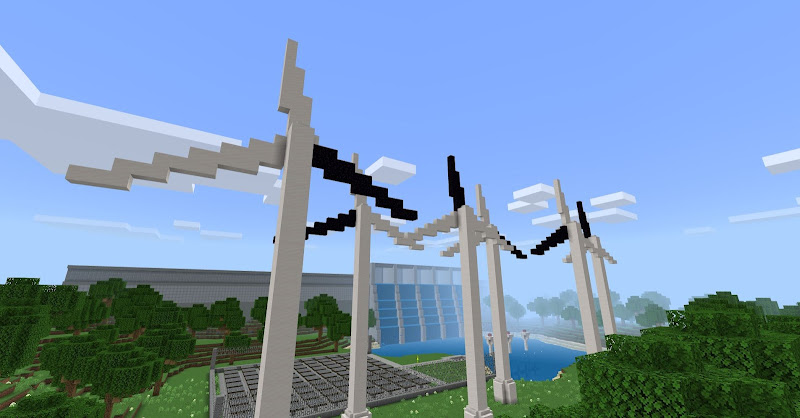
With Minecraft Education Preview, teachers can create dynamic learning activities that encourage critical thinking and problem-solving. From building simple machines to designing sustainable cities, students can engage in projects that challenge their creativity and promote teamwork. These activities are designed to stimulate engagement, encourage collaboration, and make learning more enjoyable.
Tips and Strategies for Beginners in Minecraft Education Preview
If you’re new to Minecraft Education Preview, here are some tips and strategies to help you get started and make the most out of this educational tool:
1. Start with Pre-Built Worlds
If you’re unsure where to begin, Minecraft Education Preview offers a wide range of pre-built worlds that are designed to teach specific concepts. These worlds cover subjects like history, geography, and environmental science. Starting with these worlds can help you understand how the game is used in an educational context and provide inspiration for creating your own lessons.
2. Familiarize Yourself with the Classroom Controls
As a teacher, it’s important to familiarize yourself with the classroom controls available in Minecraft Education Preview. These tools allow you to manage your class, monitor student activity, and even guide students through their tasks. Learning how to effectively use these controls will make the classroom experience smoother and ensure that students stay focused on their tasks.
3. Integrate Coding with Projects
To truly maximize the potential of Minecraft Education Preview, incorporate the Code Builder feature into your lessons. By introducing students to coding through Minecraft, they can learn how to solve problems using programming languages in a fun and interactive way. Start with simple tasks, such as automating actions or creating custom commands, and gradually progress to more complex programming challenges.
4. Encourage Teamwork and Collaboration
One of the key aspects of Minecraft Education Preview is its focus on collaboration. Encourage students to work together on projects and problem-solving tasks. Working as a team in Minecraft can help develop important social and communication skills, while also fostering creativity and critical thinking. Students can learn from each other and share ideas, which enhances the overall learning experience.
5. Explore New Activities Regularly
Minecraft Education Preview is constantly being updated with new lesson plans, activities, and learning worlds. To keep students engaged, make it a habit to explore new activities regularly. These updates provide fresh learning opportunities and help students stay motivated as they explore new areas of knowledge.
Final Thoughts and Review
Minecraft Education Preview offers a unique approach to learning that engages students through creativity, collaboration, and hands-on exploration. Its interactive world allows for an immersive educational experience where students can learn by doing. From coding and engineering to history and environmental science, Minecraft Education Preview provides an innovative platform for teaching and learning.
For teachers, the app offers a wide range of tools to manage classroom activities, track student progress, and create engaging lessons. For students, it provides a fun and interactive way to learn, encouraging them to explore topics in a hands-on, visual environment. Whether you’re looking to teach coding, explore historical sites, or collaborate on creative projects, Minecraft Education Preview is a fantastic educational tool.
FAQS
1. What is Minecraft Education Preview?
Minecraft Education Preview is a version of Minecraft designed specifically for educational purposes. It offers tools for teachers and students to explore subjects like coding, history, science, and more through the immersive world of Minecraft.
2. Can Minecraft Education Preview be used in schools?
Yes, Minecraft Education Preview is designed for classroom use and can be implemented in schools around the world. It provides teachers with lesson plans, tools to manage the classroom, and a range of educational content to enhance student learning.
3. How does Minecraft Education Preview teach coding?
The app includes a Code Builder tool that allows students to learn programming by modifying the game environment using block-based or text-based coding. This feature teaches students how to use programming languages in a fun, interactive way.
4. What subjects can be taught with Minecraft Education Preview?
Minecraft Education Preview supports a wide range of subjects, including mathematics, history, science, geography, art, and even social studies. The app offers pre-built worlds and lesson plans tailored to each subject.
5. Is Minecraft Education Preview free to use?
Minecraft Education Preview offers a free trial, but a subscription may be required for continued use. Educational institutions can also inquire about discounts or licenses for multiple users.
Conclusion
Minecraft Education Preview is an innovative educational tool that provides an engaging and interactive platform for students and teachers. With its immersive worlds, coding opportunities, and collaborative features, it encourages creativity, teamwork, and problem-solving in a way that traditional teaching methods cannot. Whether you’re an educator looking to integrate Minecraft into your curriculum or a student excited to learn in a fun environment, Minecraft Education Preview offers the perfect platform to explore and grow.
Download Minecraft Education Preview today and start exploring the limitless educational possibilities it offers!
Images