AddOns Maker for Minecraft PE
3.6.1
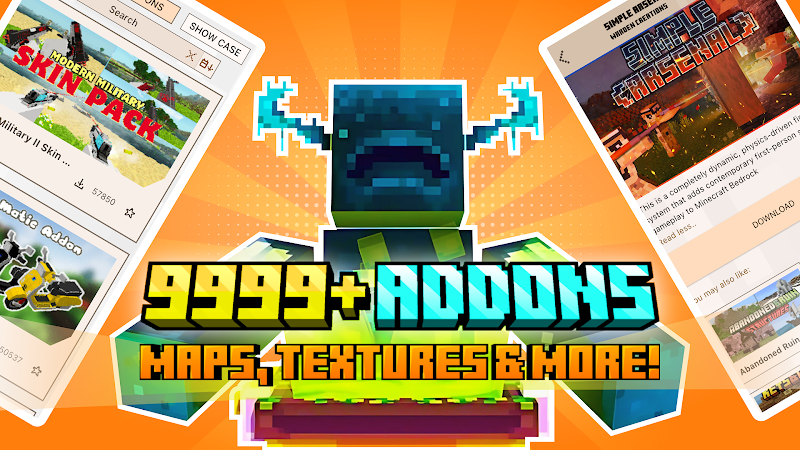
Discover how AddOns Maker for Minecraft PE enhances your Minecraft Pocket Edition experience with easy-to-use tools for creating custom mods, skins, and textures. Start designing today!

Report this app
Description
AddOns Maker for Minecraft PE: A Complete Overview
If you’re a Minecraft Pocket Edition (MCPE) player looking to personalize your game, AddOns Maker for Minecraft PE is the perfect tool to bring your creative ideas to life. This app allows you to design custom content, such as skins, mods, textures, furniture, mobs, and more, without requiring programming skills. Whether you are a beginner or an experienced creator, AddOns Maker provides all the necessary tools to enhance your Minecraft experience.
In this article, we will cover the features of AddOns Maker for Minecraft PE, provide tips for beginners, and offer a comprehensive review to help you decide if this app is right for you.
Exclusive Features of AddOns Maker for Minecraft PE
AddOns Maker for Minecraft PE offers a wide range of features that set it apart from other Minecraft customization tools. The app is designed to be user-friendly while providing powerful tools for creating custom content. Below are some of the key features that make AddOns Maker an essential tool for Minecraft players.
User-Friendly Interface
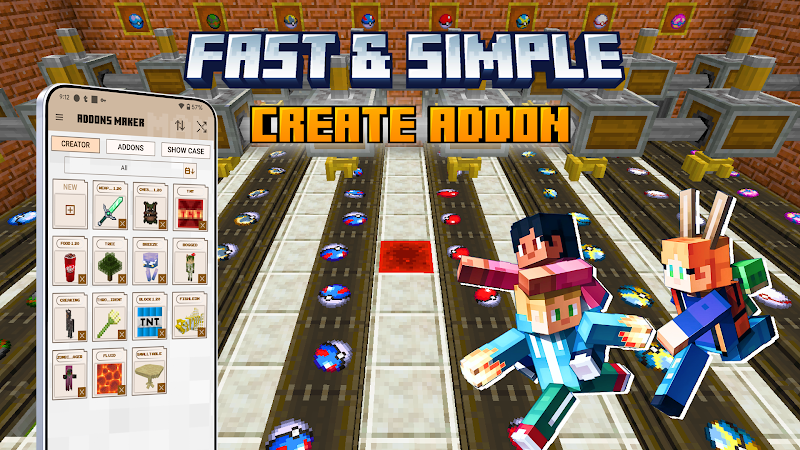
One of the standout features of AddOns Maker for Minecraft PE is its intuitive interface. The app is designed with users in mind, making it easy for both beginners and advanced players to navigate. The drag-and-drop functionality allows you to create mods and add-ons without the need for any coding experience, making it accessible to a wider audience.
Complete Customization
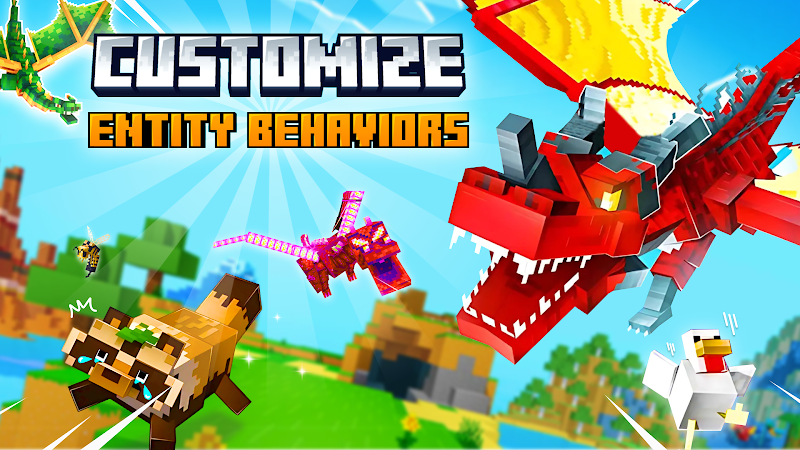
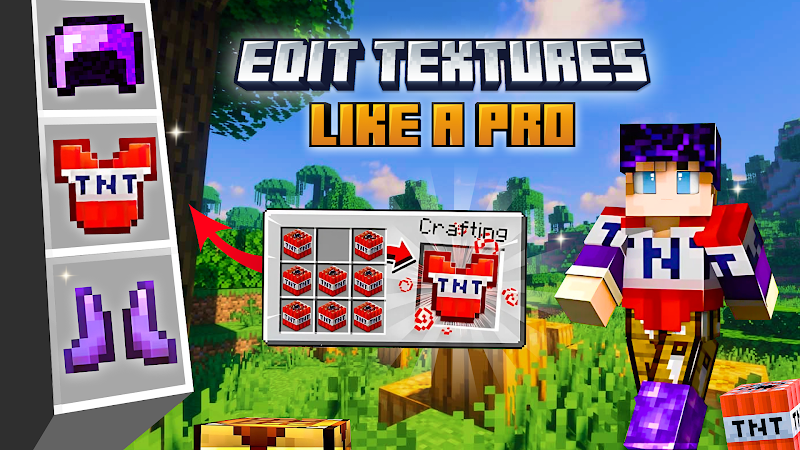
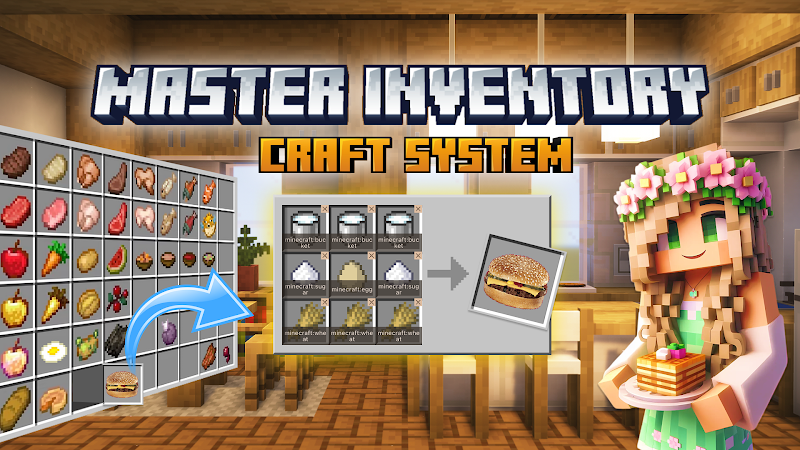
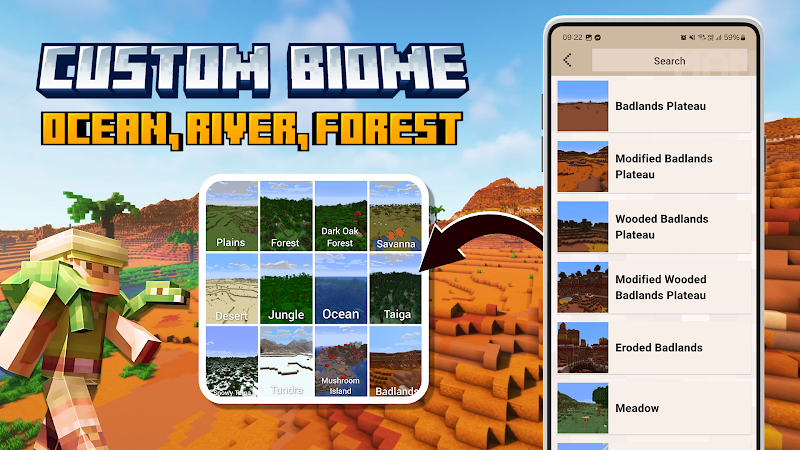
AddOns Maker offers complete customization of your Minecraft world. You can modify every aspect of the game, including skins, mobs, items, weapons, and more. The app allows you to alter item behaviors, change mob interactions, and create custom textures, giving you full control over your Minecraft experience.
3D Modeling Support
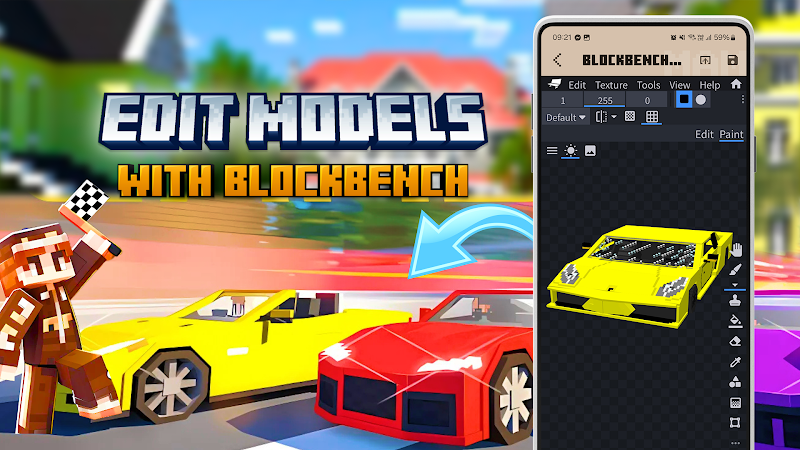
For those interested in 3D modeling, AddOns Maker integrates with Blockbench, a powerful 3D modeling tool. This feature enables you to create custom 3D models for your add-ons, such as new mobs, items, and vehicles. This feature is perfect for those who want to take their creations to the next level and add a more professional touch to their Minecraft content.
Direct Export to Minecraft PE
Once you’ve created your add-ons, AddOns Maker for Minecraft PE allows you to export them directly to Minecraft Pocket Edition or Craftsman. This seamless export process saves you time and ensures that your creations are immediately ready to use in the game.
Pre-Designed Templates
The app also offers a variety of pre-designed templates that make it easier for users to get started. These templates can be customized to suit your needs, giving you a head start on your projects. Whether you’re designing a new skin or creating a custom mob, the templates are a great resource to simplify the creative process.
Tips and Strategies for Beginners in AddOns Maker for Minecraft PE
If you are new to creating custom content for Minecraft, here are some tips to help you get started with AddOns Maker for Minecraft PE:
-
Start with Simple Projects
For beginners, it’s a good idea to start with smaller projects, such as creating custom skins or simple items. This will help you become familiar with the app’s interface and tools without feeling overwhelmed.
-
Use Templates to Speed Up Your Work
Templates are a great way to quickly get started on a project. By customizing an existing template, you can learn how different elements in Minecraft work and see the immediate impact of your changes.
-
Test Your Creations Often
After creating a new mod or add-on, it’s important to test it in Minecraft to ensure it functions as expected. Testing your creations regularly will help you catch any issues early and make adjustments as needed.
-
Explore 3D Modeling with Blockbench
If you want to create 3D models for your Minecraft add-ons, take the time to explore Blockbench. By learning how to create custom 3D models, you can enhance the quality of your add-ons and expand your creative possibilities.
-
Learn from Tutorials
There are many tutorials available online that can help you learn how to use the app and improve your skills. Whether you want to learn how to create textures, design mobs, or integrate 3D models, tutorials are an excellent way to enhance your knowledge.
Final Thoughts and Review
AddOns Maker for Minecraft PE is an excellent tool for players who want to customize their Minecraft Pocket Edition experience. The app offers a wide range of features, including the ability to create custom skins, modify mobs, and design custom game mechanics. The easy-to-use interface, along with the seamless export functionality, makes it accessible for players of all levels.
The integration with Blockbench for 3D modeling further enhances the app’s capabilities, allowing you to create custom models and add a more professional touch to your Minecraft creations. Overall, AddOns Maker for Minecraft PE is a must-have app for anyone looking to bring their creative ideas to life in Minecraft.
FAQS
-
Do I need coding knowledge to use AddOns Maker for Minecraft PE?
No, AddOns Maker for Minecraft PE is designed for users without any coding knowledge. The app provides an easy-to-use interface and tools that allow you to create mods and add-ons without needing to write any code.
-
Can I create 3D models for my Minecraft PE add-ons?
Yes, AddOns Maker for Minecraft PE integrates with Blockbench, a 3D modeling tool that allows you to create custom 3D models for your add-ons. This feature is ideal for users who want to create custom entities or items with a 3D design.
-
Is AddOns Maker for Minecraft PE free to use?
AddOns Maker for Minecraft PE offers both free and premium features. The free version includes basic tools, while the premium version provides access to additional advanced features for experienced creators.
-
Can I export my creations directly to Minecraft PE?
Yes, once you’ve created your mods or add-ons, you can export them directly to Minecraft Pocket Edition or Craftsman, allowing you to use your custom content immediately in the game.
Conclusion
If you’re looking to enhance your Minecraft Pocket Edition experience, AddOns Maker for Minecraft PE is the perfect tool to help you create unique and personalized content. With its easy-to-use interface, powerful customization options, and the ability to export directly to Minecraft PE, it’s the ideal app for any Minecraft creator.
Start bringing your creative ideas to life today by downloading AddOns Maker for Minecraft PE and explore all the possibilities it offers!
Images