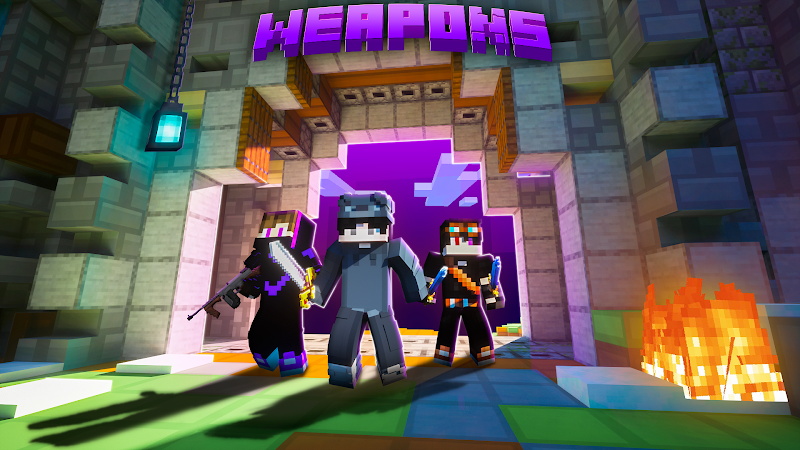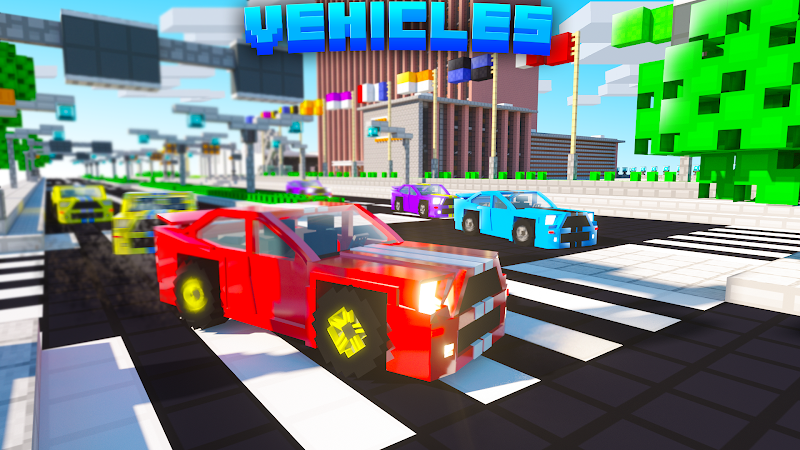
Addons for Minecraft Mods
2.4.9
Explore the latest Addons for Minecraft Mods, offering a variety of free add-ons for all versions of Minecraft. Start customizing your game today!
Developer
Addons and Mods for Minecraft
Addons and Mods for Minecraft
Released on
Aug 4, 2019
Aug 4, 2019
Updated
Jan 13, 2026
Jan 13, 2026
Version
2.4.9
2.4.9
Get it on

Report this app
Description
Addons for Minecraft Mods: A Comprehensive Overview
If you are a Minecraft enthusiast looking to enhance your gameplay experience, Addons for Minecraft Mods is the perfect tool for you. This application brings the latest collection of add-ons and mods for Minecraft Pocket Edition (MCPE), offering a wide range of customizations that can elevate your Minecraft world. Whether you want to modify game elements, add new features, or customize the environment, this app gives you everything you need to make your Minecraft experience unique and exciting.
In this article, we’ll dive into the features of Addons for Minecraft Mods, provide useful tips for beginners, and offer a final review to help you decide if this app is the right choice for your gaming needs.
Exclusive Features of Addons for Minecraft Mods
Addons for Minecraft Mods offers a range of exciting features designed to help you customize and personalize your Minecraft Pocket Edition experience. Below are some of the most notable features that make this app stand out:
User-Friendly Interface
The app is designed with simplicity in mind. Its intuitive interface allows players of all experience levels to navigate through the app easily. You don’t need advanced technical skills to start using the app—just download, browse, and start exploring the available add-ons.
Wide Variety of Add-ons
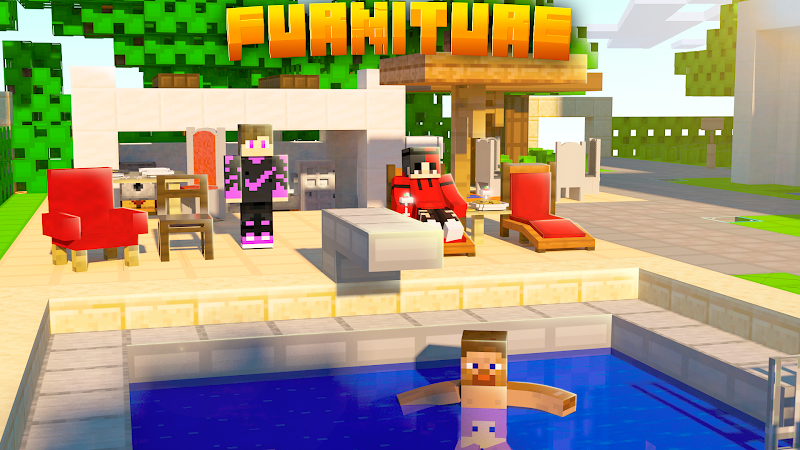
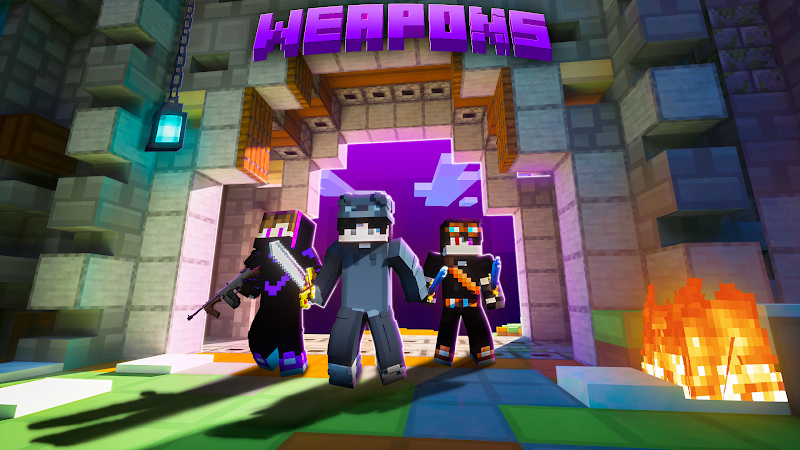
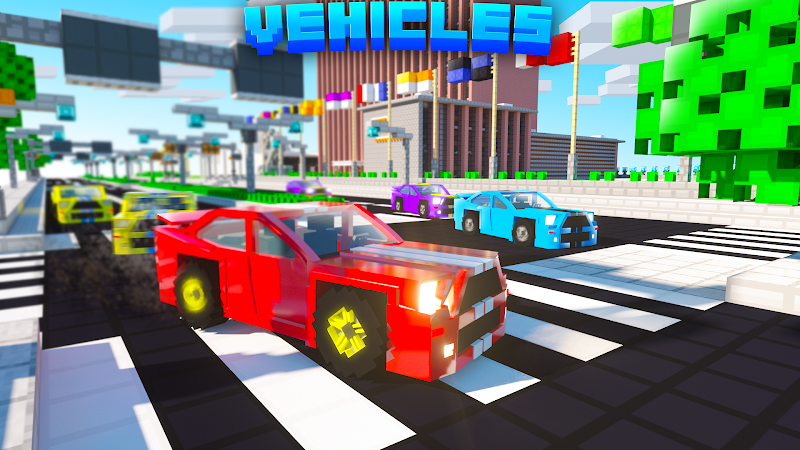
The app offers a diverse collection of add-ons, ranging from custom skins and textures to new game mechanics and features. Whether you’re looking for something small, like a new texture pack, or something more substantial, like new mobs or biomes, Addons for Minecraft Mods provides a wide variety of options to meet your needs.
Compatibility with All Versions
One of the standout features of this app is its compatibility with all versions of Minecraft. Regardless of which version of Minecraft you play, you can be confident that the add-ons available through the app will work seamlessly with your game. This ensures that no matter which platform or version of Minecraft you use, you’ll be able to enhance your experience with ease.
Free Add-ons and Mods
The app focuses on offering free add-ons and mods for Minecraft. This makes it accessible to all players, whether you are new to Minecraft or a seasoned veteran. You can download and apply these mods without worrying about additional costs.
Search Functionality
The app includes a convenient search function that allows you to quickly find the add-ons or mods you’re looking for. If you have a specific add-on in mind, you can search for it directly within the app, making the browsing experience faster and more efficient.
Tips and Strategies for Beginners in Addons for Minecraft Mods
If you’re new to adding custom content to your Minecraft game, here are some tips to help you get started with Addons for Minecraft Mods:
-
Start with Simple Add-ons
As a beginner, it’s a good idea to start with simpler add-ons, such as new skins or basic texture packs. These are great ways to get familiar with how add-ons work and how they can affect the game’s visual appeal and gameplay.
-
Explore the Available Categories
The app categorizes its add-ons for easy navigation. Take your time to explore different categories, such as mobs, blocks, and textures, so you can understand the variety of options available and choose the ones that best fit your preferences.
-
Test Your Add-ons Regularly
Once you’ve downloaded and installed your add-ons, test them in your Minecraft game to make sure they work properly. This helps you identify any issues early on and ensures that your game is running smoothly.
-
Experiment with Multiple Add-ons
You don’t have to stick to just one add-on—feel free to experiment by combining multiple add-ons to create a unique gameplay experience. This allows you to explore different customization possibilities and see how different add-ons interact with each other.
-
Keep Your Game Updated
For the best experience, make sure your game is up to date. New versions of Minecraft often come with bug fixes and improvements that ensure compatibility with the latest add-ons and mods.
Final Thoughts and Review
Addons for Minecraft Mods is a fantastic app for anyone looking to customize their Minecraft experience. With its wide variety of free add-ons, user-friendly interface, and compatibility with all versions of Minecraft, this app makes it easy to enhance your game. Whether you’re a beginner or an experienced player, you’ll find plenty of exciting add-ons to explore and apply to your Minecraft world.
Overall, if you’re looking to personalize your Minecraft Pocket Edition gameplay, Addons for Minecraft Mods is an excellent tool that provides endless possibilities for customization. It offers a simple, efficient, and enjoyable way to modify your game and keep it fresh and exciting.
FAQS
-
What type of add-ons can I find in the app?
The app offers a wide variety of add-ons, including custom skins, textures, mobs, items, blocks, and new game mechanics. You can browse through different categories to find exactly what you need for your Minecraft world.
-
Is this app compatible with all versions of Minecraft?
Yes, Addons for Minecraft Mods is compatible with all versions of Minecraft, including Minecraft Pocket Edition (MCPE). This ensures that players using different versions of the game can enjoy the same customization options.
-
Are the add-ons in the app free?
Yes, the app offers a collection of free add-ons and mods. You can download and use these add-ons without any additional cost, making it accessible for all players.
-
Can I use multiple add-ons at once?
Yes, you can combine multiple add-ons to create a unique experience. The app allows you to download and apply multiple add-ons simultaneously, giving you the flexibility to enhance your game in different ways.
Conclusion
Addons for Minecraft Mods is a must-have app for Minecraft Pocket Edition players who want to enhance and personalize their gaming experience. With its vast collection of free add-ons, simple interface, and compatibility with all versions of the game, this app is a great choice for anyone looking to add custom content to their Minecraft world.
If you’re ready to take your Minecraft game to the next level, download Addons for Minecraft Mods today and start customizing your experience!
Images